



Interface
In Midnight, addons have been restricted in what they can do, especially in combat. The most notable impact of this is that WeakAuras won't exist. Instead there are now a number of different addons that attempt to do something similar, making adjustments to the Blizzard Cooldown manager and base UI.
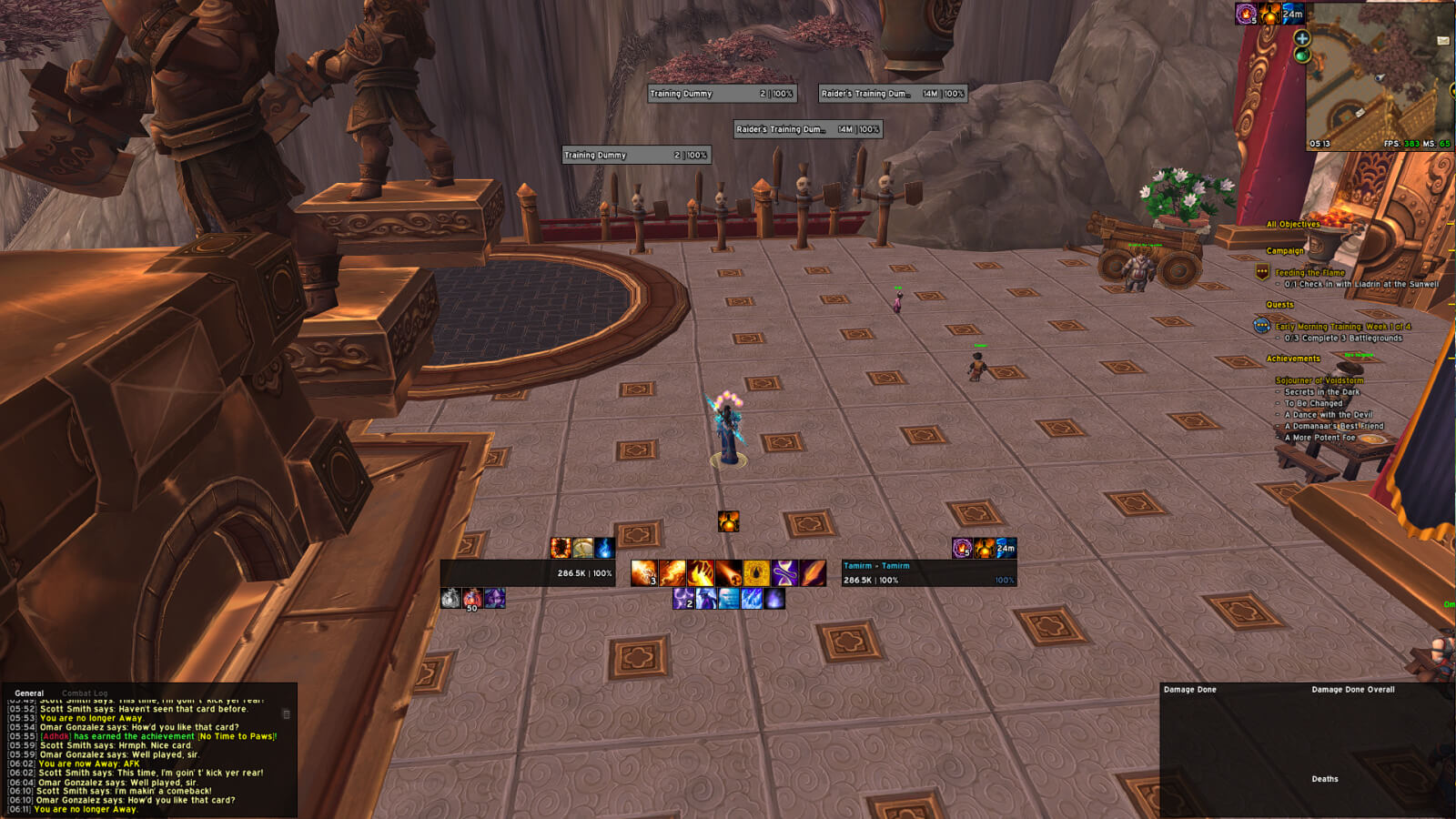
UI is something that is personal so depending on your system/need I personally use ElvUI with the following addons:
- ElvUI
- BetterCoolDownManager - lets me modify how the Blizzard Cooldown Manager looks.
- Bigwigs
- Littlewigs
- Plater
- Details
- M+ Timer
- AlterEgo for alts
I recommend checking some of your favorite streamers to gather ideas of what you want. I listed the addons I'm currently using. You can do your own research and test what suits you.
Macros
Combustion Macro
This Combustion macro uses your troll (or Orc racial), your on-use trinket on slot 14 and Combustion at the same time.
#showtooltip Combustion
/cast Berserking (or Blood Fury)
/use 14
/cast Combustion
Remove Curse Macro
This macro uses Remove Curse on your mouseover target.
#showtooltip Remove Curse
/use [@mouseover,help,exists][] Remove Curse
Cancel Alter Time Macro
Removes the Alter Time buff in case you regret using it.
#showtooltip Alter Time
/cancelaura Alter Time
Scorch Focus Macro
This macro casts Scorch at your current focus target and if you do not have one, it casts scorch at your target instead. This is useful to snipe low health mobs with scorch while maintaining damage on your main target.
#showtooltip Scorch
/cast [target=focus,exists,harm,nodead][target=target,exists,harm,nodead] Scorch; Scorch
Flamestrike Cursor Macro
This casts Flamestrike at your cursor position, rather than first giving you a targeting circle that you have to click to cast.
#showtooltip Flamestrike
/cast [@cursor] Flamestrike
Interrupt Mouseover Macro
This macro allows your interrupt to be cast on a mouseover target and defaults to your target if you do not have a mouseover at the time
#showtooltip Counterspell
/cast [target=mouseover,exists][target=target,exists] Counterspell; Counterspell
Spellsteal Mouseover or Focus Macro
This allows Spellsteal to be cast on your mouseover target, similar to the interrupt macro, with the additional step of defaulting to a focus target if a mouseover is not present. It’s very useful for stealing buffs from enemy mobs in Mythic+.
#showtooltip
/cast [target=mouseover,exists][target=focus,exists][target=target,exists] Spellsteal; Spellsteal
Meteor on Cursor Macro
This macro casts Meteor at your cursor without having to click again to place the Meteor circle.
#showtooltip
/cast [@cursor] Meteor